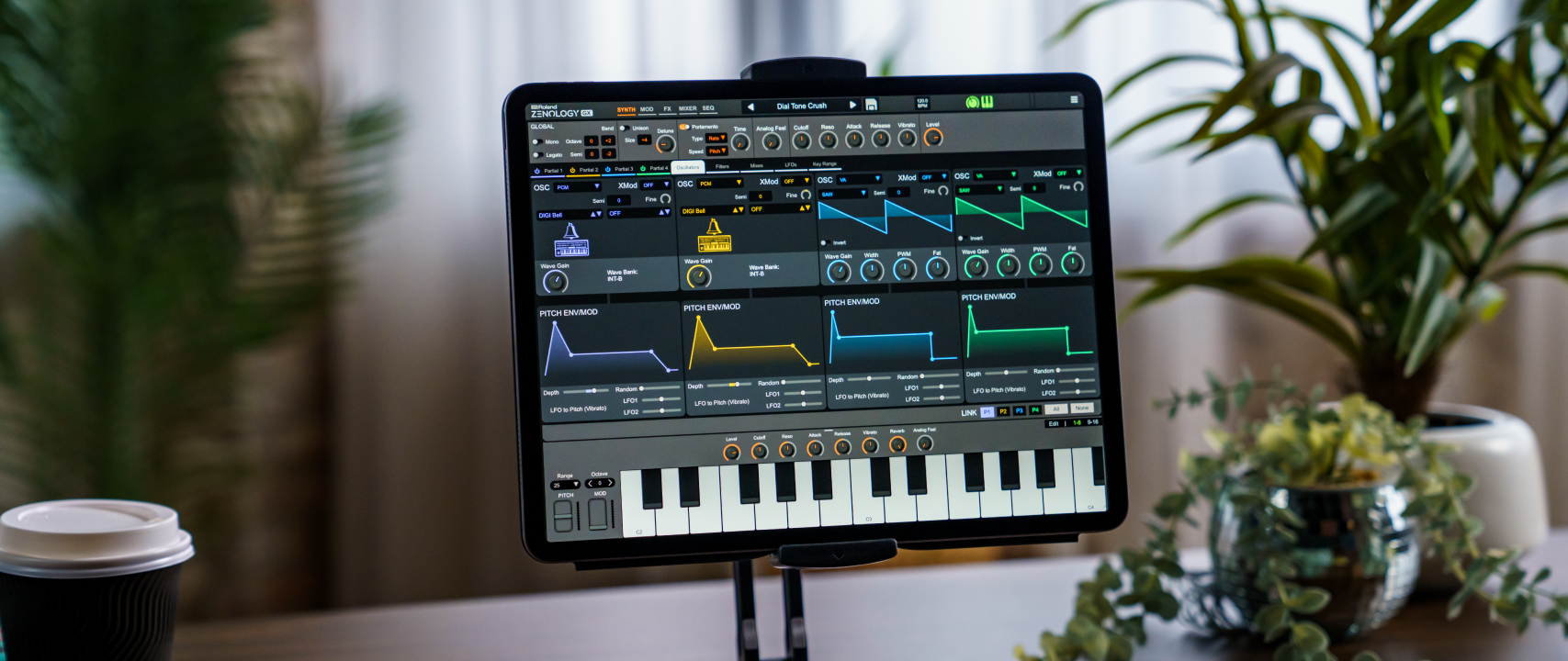
ZENOLOGY GX 1.9.2 is Now Available on the App Store!
Keep ZENOLOGY GX up to date!
We've integrated your top feedback! While we continue work on AUv3 plugin support, this update focuses on addressing the most common feedback we’ve received since launch.
ZENOLOGY GX 1.9.2 Highlights
Full Release Notes
Improvements
What’s coming next for ZENOLOGY GX?
ZENOLOGY GX 1.9.2 Highlights
- 🔊 Main volume boost
- 🌀 Refined MIX EQ and LFO visual feedback
- 📋 Quality-of-life improvements: login field copy/paste, On-Screen Keyboard velocity range, and improved key positioning
- 📂 Updated SVZ export workflow: SVZ files are now saved to Files > On My iPad > ZENOLOGY GX > Zenology GX User > SVZ
- 🪲 Stability improvements across iOS with a fix for a shutdown crash
Full Release Notes
Improvements
- Main volume boost—Improved overall output level.
- Audio engine update—Now supports dynamic sample rate changes for devices running at 44.1 kHz, 48 kHz, and 96 kHz.
- On‑Screen Instrument (OSI) velocity range control—Refined velocity range for more natural playability, including a new Minimum Velocity setting.
- Improved OSI key positioning on iPad—Keys now sit above the system taskbar for more reliable input.
- SVZ export workflow update—Exports are now saved directly to the ZGX User/SVZ folder for easier access.
- Improved key range editing UX.
- Fixed crash on iOS 26 when closing the app—Resolved an issue when closing from the app switcher or windowed mode.
- MIX EQ mid-band curve rendering—Mid EQ curve now updates reliably during adjustments.
- LFO curve display refresh—LFO curves now update consistently while editing.
- Offline access to user content—Resolved an issue preventing access to packs and presets without an internet connection.
- Login field copy/paste—Fixed an issue preventing copy and paste into email and password fields during sign-in. Paste icons have also been added for one-tap input.
- We've updated our FAQ articles to cover the most common questions about ZENOLOGY GX for iPad. Check out our revised ZENOLOGY GX FAQ articles.
- You can also always communicate with our best and brightest by opening a support ticket.
What’s coming next for ZENOLOGY GX?
- 🔌 AUv3 support
- 🎹 Pro Edit Mode
- 🎉 And more!